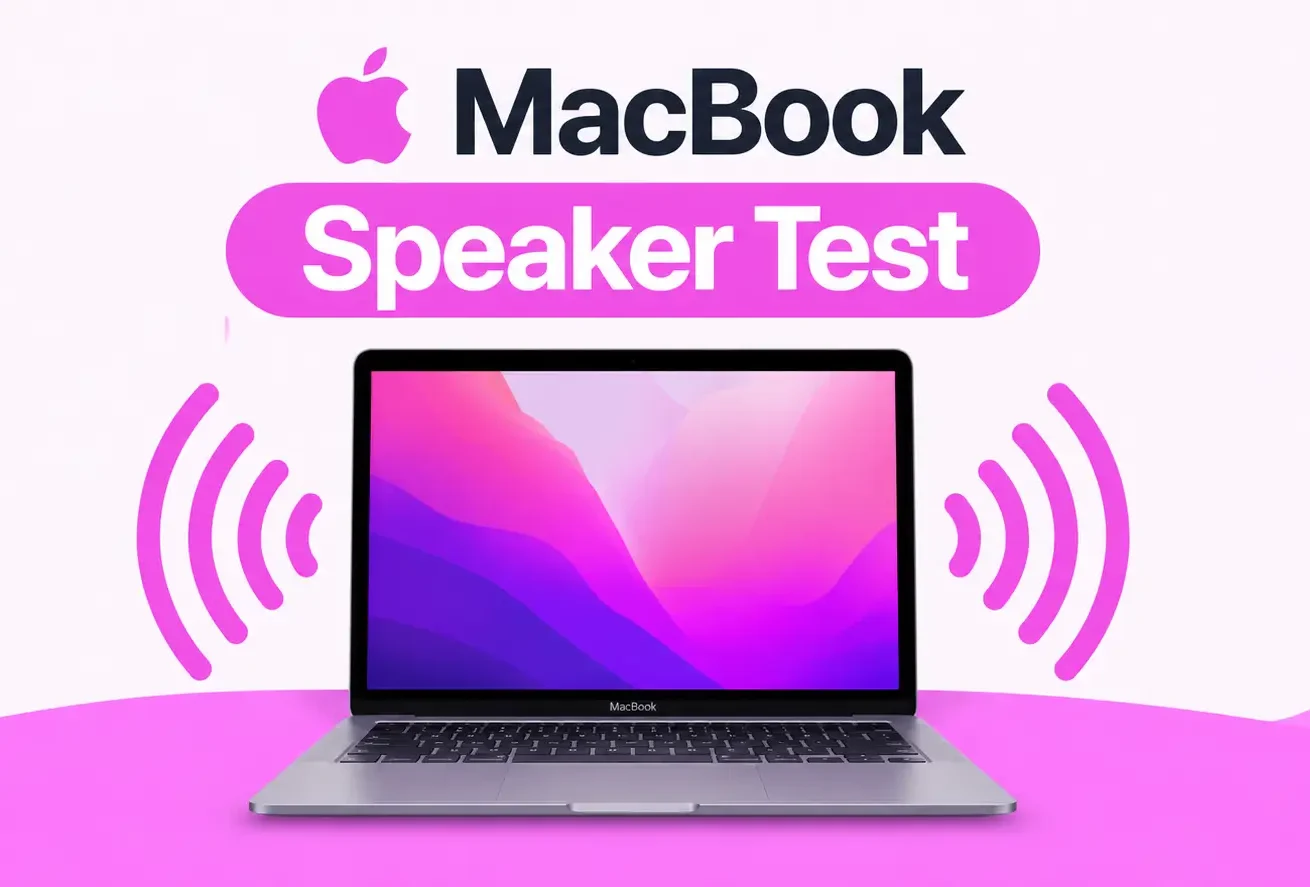
MacBook Speaker Test
This MacBook speaker test runs in Safari. Unplug headphones. Turn AirPods off. Set volume high. Listen for left and right tones.
Speaker not working? Try this
- Check that your device volume isn't muted or turned down low.
- Check your left/right audio balance setting in your operating system's sound settings.
- Disconnect any Bluetooth speakers or headphones that might be capturing the audio output.
- Unplug wired headphones - some devices keep routing sound there even after you unplug.
- Restart your device to clear out any stuck audio driver state.
- Gently clean the speaker grille - dust and debris can muffle or block sound.
- Try this test in another browser or on another device to rule out a page or app issue.
How to Test MacBook Speakers
Three easy steps. This MacBook speaker test takes about a minute.
1. Play sound from the MacBook
Unplug wired headphones. Turn off AirPods and Bluetooth speakers. Set Mac volume high. Click the speaker icon and make sure output is MacBook Speakers.
2. Start the MacBook speaker tester
Tap Play. Use Left and Right pads as a left right speaker test. A good MacBook speaker test sounds even on both sides.
3. Check both channels
If one side is quiet, check Sound settings output, then test again. For Windows notebooks see the laptop speaker test.
More on Speaker Test
Iphone Speaker Test
Test your iPhone speaker with clear sound tones to check audio quality and volume. Quickly identify muffled, distorted, or low-volume sound and keep your speaker performing well.
Samsung Speaker Test
Test your Samsung audio system for clear playback, balanced tones, and consistent volume levels. Detect muffled sounds, distortion, crackling, or weak output from the device speakers.
Phone Speaker Test
Test your phone’s audio performance for crisp playback, proper volume levels, and balanced sound output. Find issues like buzzing, distortion, low loudness, or unclear audio with a quick speaker check.
Oppo Speaker Test
Check your Oppo phone’s audio output for clear playback, balanced tones, and strong volume. Identify muffled sound, distortion, buzzing, or weak audio with a quick speaker check.
Laptop Speaker Test
Test your laptop’s audio output for clear playback, balanced volume, and reliable sound performance. Detect issues such as muffled audio, distortion, buzzing, or low speaker volume with a quick check.
Android Speaker Test
Test your Android device’s audio output for crisp playback, balanced tones, and consistent volume. Quickly detect muffled sound, buzzing, distortion, or weak speaker performance.
AirPod Speaker Test
Test your AirPods for balanced audio, clear playback, and consistent sound levels in both earbuds. Spot low volume, crackling, distortion, or uneven sound with a quick audio performance check.
Vivo Speaker Test
Test your Vivo phone’s audio output for clear playback, balanced tones, and steady volume levels. Identify muffled audio, distortion, buzzing, or weak sound from the built-in speakers.
FREE MACBOOK SPEAKER TEST
MacBook Speaker Test to Check Mac Sound
Need a MacBook speaker test? This free speaker tester lets you test MacBook speakers in Safari. Check MacBook speakers not working, left and right sound, or crackling. No app.
Unplug headphones. Turn off AirPods. Set Mac volume high. Then start this Mac sound test below.
MacBook speaker test | Mac speaker test | Left / right | No app
When to Use a MacBook Speaker Test
People search for MacBook speaker test, MacBook speakers not working, and Mac speaker test. This page is that tool.
MacBook speakers not working
If Safari videos are silent, run this MacBook speaker test with AirPods off.
Left right Mac speaker test
MacBook has stereo speakers. Use L and R pads to hear if one channel is dead.
Crackling MacBook speaker
A rattle can mean a tired speaker. Test with this known tone before you book a repair.
Safari sound test, no app
This MacBook speaker tester online works in Safari. Nothing to install from the App Store.
MacBook Air and Pro
Use the same Mac sound test on MacBook Air and MacBook Pro.
AirPods vs Mac speakers
If sound goes to earbuds, turn Bluetooth off. To test the buds, use the AirPod speaker test.
WHY THIS MACBOOK SPEAKER TEST
A free MacBook speaker tester in Safari
A MacBook speaker test tells you if the built-in speakers can play sound. Clear stereo means they work. One quiet side may mean output settings or hardware. Keep tests short. See Contact.
- Free MacBook speaker test in Safari
- Left / right Mac speaker test
- Air and Pro models
- No app needed