iPad Sound Test - Left, Right & Stereo Speaker Checker
This iPad speaker test runs in Safari. Turn volume up. Hold the iPad so your hands do not cover the edge speakers. Listen for a clear left and right tone.
Speaker not working? Try this
- Check that your device volume isn't muted or turned down low.
- Check your left/right audio balance setting in your operating system's sound settings.
- Disconnect any Bluetooth speakers or headphones that might be capturing the audio output.
- Unplug wired headphones - some devices keep routing sound there even after you unplug.
- Restart your device to clear out any stuck audio driver state.
- Gently clean the speaker grille - dust and debris can muffle or block sound.
- Try this test in another browser or on another device to rule out a page or app issue.
How to Test iPad Speakers
Three easy steps. This iPad speaker test takes about a minute. You only need this page and your ears.
1. Play sound from the iPad you want to test
Turn off Bluetooth and AirPods so the iPad speaker test uses the built-in speakers, not earbuds. Set media volume high. Hold the iPad in landscape if you can. Keep both edge speakers uncovered.
2. Start the iPad speaker tester
Tap Play. A good iPad speaker test sounds even and loud enough. Use the Left and Right pads as a stereo speaker test. Crackling, silence, or sound on only one side means there is a problem.
3. Check both speakers, then play a video
If one side is quiet, rotate the iPad and test again. Then open a video to confirm. To test earbuds instead, use the headphone test or the AirPod speaker test.
Related Speaker Test
Iphone Speaker Test
Test your iPhone speaker with clear sound tones to check audio quality and volume. Quickly identify muffled, distorted, or low-volume sound and keep your speaker performing well.
Tablet Speaker Test
Check your tablet’s audio output for clear playback, balanced volume, and smooth sound performance. Quickly spot low volume, distortion, crackling, or unclear audio from the built-in speakers.
Samsung Speaker Test
Test your Samsung audio system for clear playback, balanced tones, and consistent volume levels. Detect muffled sounds, distortion, crackling, or weak output from the device speakers.
Oppo Speaker Test
Check your Oppo phone’s audio output for clear playback, balanced tones, and strong volume. Identify muffled sound, distortion, buzzing, or weak audio with a quick speaker check.
Laptop Speaker Test
Test your laptop’s audio output for clear playback, balanced volume, and reliable sound performance. Detect issues such as muffled audio, distortion, buzzing, or low speaker volume with a quick check.
Android Speaker Test
Test your Android device’s audio output for crisp playback, balanced tones, and consistent volume. Quickly detect muffled sound, buzzing, distortion, or weak speaker performance.
AirPod Speaker Test
Test your AirPods for balanced audio, clear playback, and consistent sound levels in both earbuds. Spot low volume, crackling, distortion, or uneven sound with a quick audio performance check.
Vivo Speaker Test
Test your Vivo phone’s audio output for clear playback, balanced tones, and steady volume levels. Identify muffled audio, distortion, buzzing, or weak sound from the built-in speakers.
Macbook Speaker Test
Test your MacBook speakers with clear audio tones to check volume, clarity, and sound quality. Quickly identify distortion, low volume, bass issues, or uneven speaker output.
FREE IPAD SPEAKER TEST
iPad Speaker Test to Check if iPad Sound Still Works
Need an iPad speaker test? This free speaker tester lets you test iPad speakers in Safari. Check iPad speakers not working, weak video sound, or crackling. No App Store app. No download.
Most iPads have stereo speakers on the edges. Turn Bluetooth and AirPods off so this iPad sound test uses the built-in speakers. Set volume high, keep both sides uncovered, then start below.
iPad speaker test | iPad sound test | Stereo left / right | No app
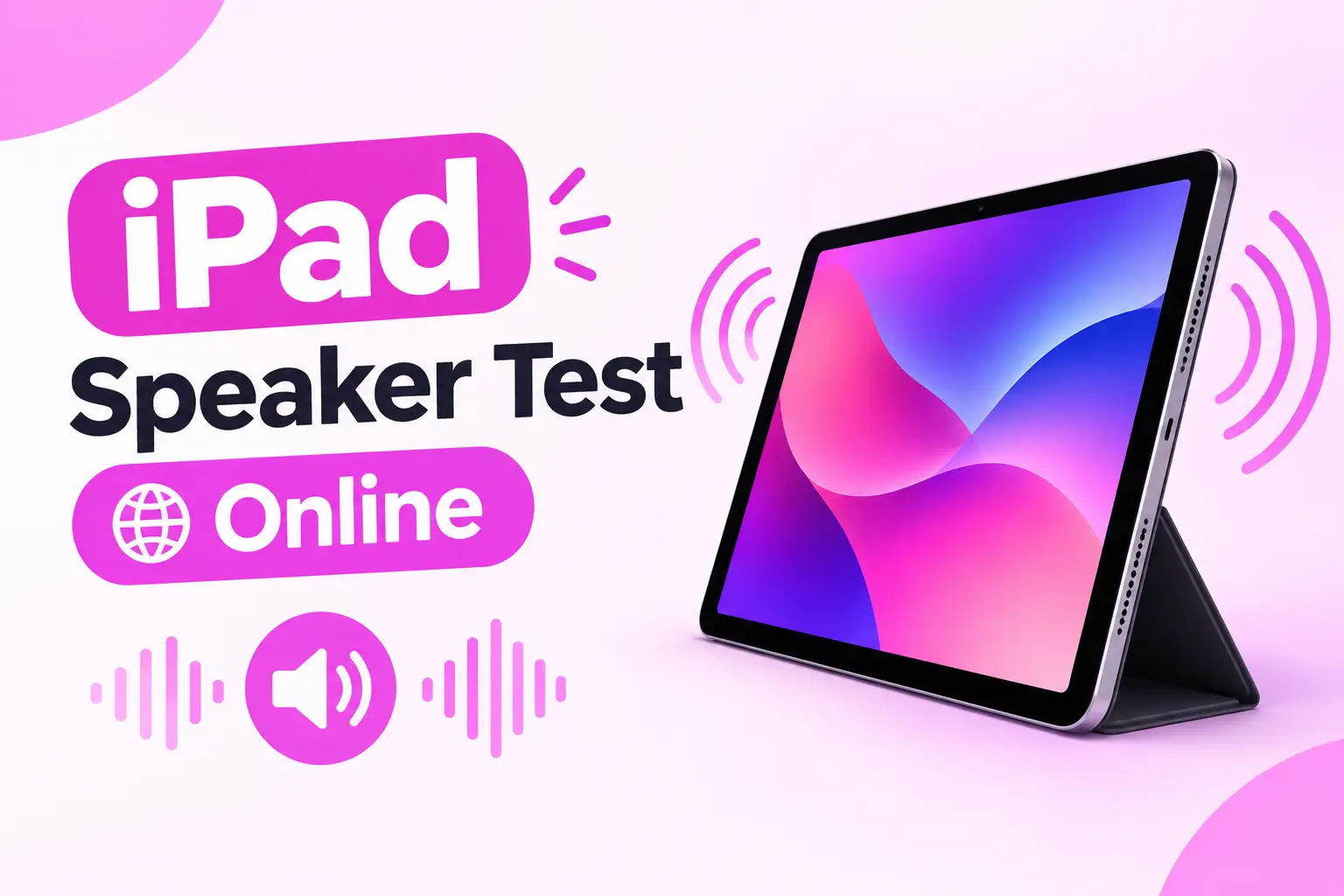
When to Use an iPad Speaker Test
People search for iPad speaker test, iPad speakers not working, iPad sound test, and test iPad speakers. This page does that in one free tool.
iPad speakers not working
If videos are silent but the iPad is not on mute, run this iPad speaker test with AirPods off. No tone can mean hardware. A weak tone often means your hands are covering a speaker.
iPad sound test for movies and games
iPad is used for video. This iPad audio test uses a known tone so you can hear if the speakers are weak, not just the app.
Left and right iPad speaker test
iPad Air, iPad Pro, and many iPad models have stereo speakers. Use L and R pads. One quiet side may mean a blocked grille or a failed speaker.
iPad Pro, Air, mini, and iPad
Use the same iPad speaker tester on iPad Pro, iPad Air, iPad mini, and standard iPad. Keep both edges free.
Crackling or muffled iPad sound
Crackling can mean a tired speaker after a drop. Muffled sound can be a case covering the mesh. An iPad speaker test makes it obvious.
No App Store download
This iPad speaker test online works in Safari. Nothing to install. For other tablets see the tablet speaker test.
Ready to test your iPad speakers?
WHY THIS IPAD SPEAKER TEST
A free iPad speaker tester that stays in Safari
An iPad speaker test answers a simple question: can these speakers play sound? You do not guess. You play a tone. Clear stereo means the speakers work. One quiet side may mean your hands, a case, or hardware. Silence may mean mute, Bluetooth, or a failed speaker.
SpeakerTest.tools is a free online speaker test. No account. Keep tests short. Do not hold a loud tone against your ear. Questions? See About or Contact.
- Free iPad speaker test in Safari
- iPad speakers not working check
- Left / right stereo speaker test
- Works on iPad Pro, Air, mini, and iPad