Apple Speaker Test Online - Check Left, Right & Stereo Sound Quality
This Apple speaker test runs in Safari. iPhone and Mac: turn Bluetooth off. AirPods: keep them on. Set volume high for speakers, medium for earbuds.
Speaker not working? Try this
- Check that your device volume isn't muted or turned down low.
- Check your left/right audio balance setting in your operating system's sound settings.
- Disconnect any Bluetooth speakers or headphones that might be capturing the audio output.
- Unplug wired headphones - some devices keep routing sound there even after you unplug.
- Restart your device to clear out any stuck audio driver state.
- Gently clean the speaker grille - dust and debris can muffle or block sound.
- Try this test in another browser or on another device to rule out a page or app issue.
If your speaker has low volume, crackling, or dull sound, water or dust may be blocking it. Then use our
How to Test Apple Speakers
Three easy steps. Same tester. Different output.
1. Choose iPhone, Mac, or AirPods
For iPhone or MacBook speakers, disconnect AirPods. For an AirPod speaker test, connect the buds. Set a safe volume.
2. Start the Apple speaker tester
Tap Play. Listen for a clear tone. Use Left and Right pads as a left right speaker test on stereo devices.
3. Open a device page if you want extra tips
Then go to iPhone speaker test, AirPod speaker test, or MacBook speaker test.
FREE APPLE SPEAKER TEST
Apple Speaker Test for iPhone, AirPods, and Mac
Need an Apple speaker test? This free speaker tester works in Safari on iPhone, iPad, and Mac. Check Apple speaker not working, weak sound, or crackling. No App Store app.
Pick the device you want to hear. For iPhone and MacBook, turn Bluetooth off. For AirPods, keep them connected. Then start this Apple sound test below.
What This Apple Speaker Test Covers
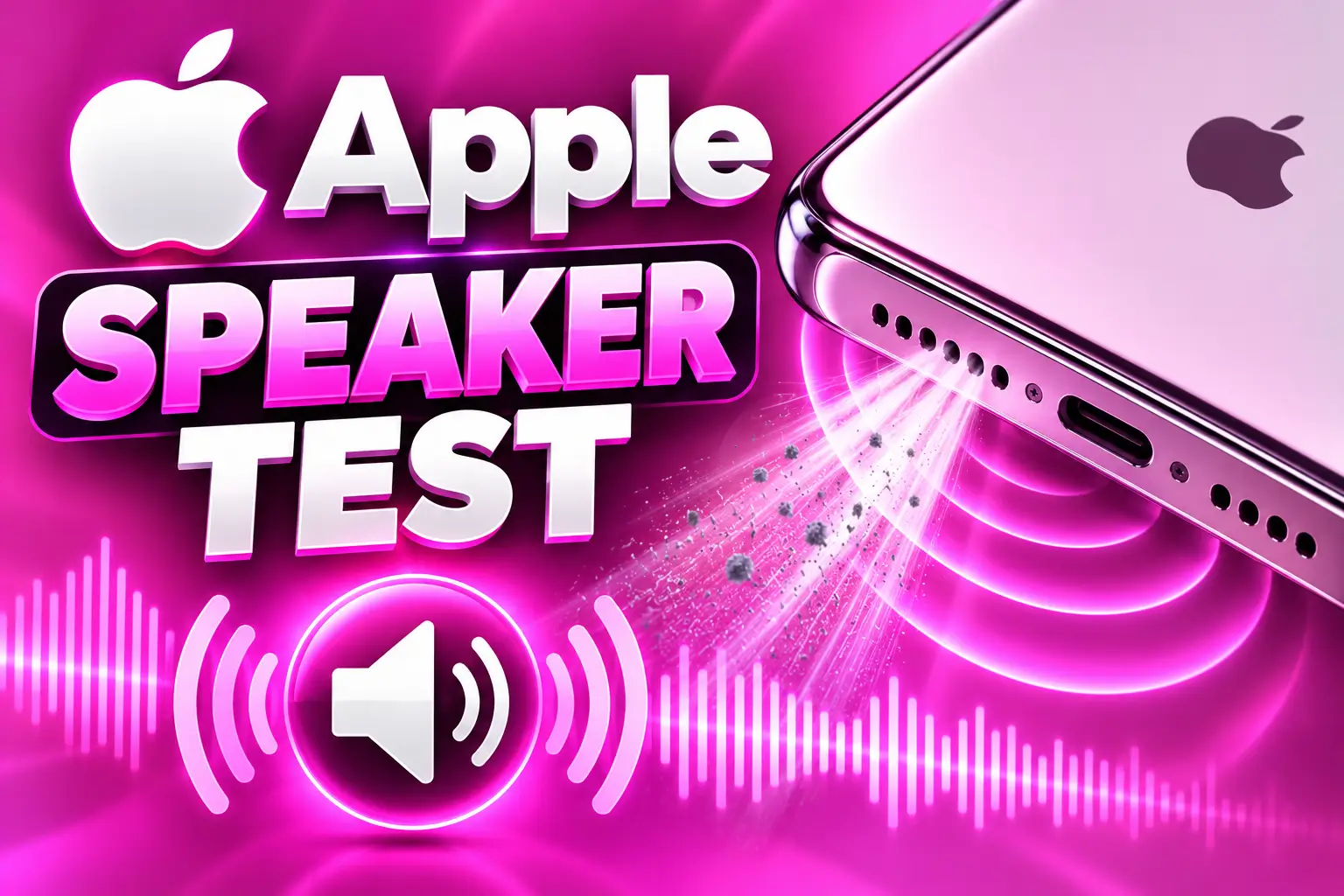
People search for Apple speaker test, iPhone speaker test, AirPods speaker test, and MacBook speaker test. Start here, then open a device page.
iPhone speaker test
Bottom loudspeaker and ear speaker. Open the full iPhone speaker test for model tips.
AirPods speaker test
Left and right buds. Keep Bluetooth on. See the AirPod speaker test.
MacBook speaker test
Stereo Mac speakers in Safari. See the MacBook speaker test.
Apple sound test, no app
This Apple speaker tester online needs no App Store download.
iPhone 13 to iPhone 17
Test all your iPhone models to check they are working correctly.
iPad too
For iPad stereo speakers use the tablet speaker test.
More on Speaker Test
Iphone Speaker Test
Test your iPhone speaker with clear sound tones to check audio quality and volume. Quickly identify muffled, distorted, or low-volume sound and keep your speaker performing well.
Tablet Speaker Test
Check your tablet’s audio output for clear playback, balanced volume, and smooth sound performance. Quickly spot low volume, distortion, crackling, or unclear audio from the built-in speakers.
Samsung Speaker Test
Test your Samsung audio system for clear playback, balanced tones, and consistent volume levels. Detect muffled sounds, distortion, crackling, or weak output from the device speakers.
Phone Speaker Test
Test your phone’s audio performance for crisp playback, proper volume levels, and balanced sound output. Find issues like buzzing, distortion, low loudness, or unclear audio with a quick speaker check.
Oppo Speaker Test
Check your Oppo phone’s audio output for clear playback, balanced tones, and strong volume. Identify muffled sound, distortion, buzzing, or weak audio with a quick speaker check.
Laptop Speaker Test
Test your laptop’s audio output for clear playback, balanced volume, and reliable sound performance. Detect issues such as muffled audio, distortion, buzzing, or low speaker volume with a quick check.
Android Speaker Test
Test your Android device’s audio output for crisp playback, balanced tones, and consistent volume. Quickly detect muffled sound, buzzing, distortion, or weak speaker performance.
AirPod Speaker Test
Test your AirPods for balanced audio, clear playback, and consistent sound levels in both earbuds. Spot low volume, crackling, distortion, or uneven sound with a quick audio performance check.
Vivo Speaker Test
Test your Vivo phone’s audio output for clear playback, balanced tones, and steady volume levels. Identify muffled audio, distortion, buzzing, or weak sound from the built-in speakers.
Apple Speaker Test
Test your Apple device speakers with clear tones to check sound quality and volume. Quickly identify issues with audio clarity, bass, distortion, or speaker output.
iPad Speaker Test
Test your iPad speakers with clear sound tones to check volume, clarity, and audio quality. Quickly detect distortion, low volume, or other speaker output issues.
Macbook Speaker Test
Test your MacBook speakers with clear audio tones to check volume, clarity, and sound quality. Quickly identify distortion, low volume, bass issues, or uneven speaker output.
Headphone Speaker Test
Our free Headphone Speaker Test plays clear bass, treble and stereo tones so you can check each earcup for weak sound, distortion or a dead side.
Ear Speaker Test
Our free Ear Speaker Test plays a clear tone through your phone’s earpiece, the small speaker at the top you hear during calls, so you can check if it is working.
Blown Speaker Test
Our free Blown Speaker Test plays bass, treble and distortion tones so you can hear if your speaker is damaged, crackling or rattling.
One Plus Speaker Test
Our free OnePlus Speaker Test plays bass, treble and stereo tones so you can check your OnePlus phone’s loudspeaker for weak, muffled or crackly sound.
Google Pixel Speaker Test
Our free Google Pixel Speaker Test plays bass, treble and stereo tones so you can check your Pixel’s speakers for weak, muffled or crackly sound.
Speaker Test
Our free Speaker Test plays bass, treble, stereo and distortion tones so you can quickly check if your speaker sounds clear, balanced and loud enough.
WHY THIS APPLE SPEAKER TEST
One free Apple speaker tester for phones, buds, and Mac
An Apple speaker test answers a simple question: can this Apple speaker play sound? Use Safari. Keep tests short. Do not hold a loud tone to your ear. See About or Contact.
- Free Apple speaker test in Safari
- iPhone, AirPods, and MacBook
- No App Store app
- Device pages for extra tips
Ready to test your Apple speakers?
WHY THIS APPLE SPEAKER TEST
What Is an Apple Speaker Test?
An Apple speaker test is a quick way to check if the speakers on your Apple device work properly. It plays low bass tones, high treble tones, and left and right sounds. You listen, and you can tell right away if the sound is weak, muffled, crackly or missing.
Use it when calls are hard to hear, when music or videos crackle, after your device gets wet or dusty, or when you buy a new or used iPhone, iPad or Mac and want to be sure the speakers are fine.
When to Get Your Apple Device Repaired
-
!
Crackle or distortion at all volumes, even after cleaning
-
!
No sound from the speaker, but headphones work
-
!
Muffled sound that stays after drying and cleaning
-
!
On an iPhone, the ear speaker stays silent during calls even with the top grille clean
-
!
On an iPhone or iPad, the Ringtone and Alerts test makes no sound
-
!
On a Mac, no sound from Internal Speakers even when it is selected, unmuted and centered
FREE APPLE SPEAKER TEST
Why Choose Our Apple Speaker Test?
.Six simple tests in one place: bass, treble, any single frequency, volume from quiet to loud, distortion and stereo balance.
- Separate ear speaker test: check the small top speaker on an iPhone on its own.
- One page for iPhone, iPad and Mac: our guide explains how each device’s speakers and settings work, so you don’t mistake normal behaviour for a fault.
- Clear answers: a simple table tells you what each sound means and what to do next.
- Works with Apple’s own checks: use our test first, then confirm with Apple’s quick check for your device.
- Safe cleaning advice: we tell you what not to use, like compressed air and metal tools.
- Quick and private: it runs in your browser, with no download, no signup and no cost.
Apple Speaker Test FAQ
Open this page in Safari, pick iPhone, Mac, or AirPods, set a safe volume, and tap Play.
Yes. Disconnect AirPods to test the iPhone speaker. Connect AirPods to test the buds.
Yes. Use Left and Right pads on stereo Apple speakers and AirPods.
No. This Apple speaker test online runs in Safari.
A short test at normal volume is safe. Use medium volume for AirPods.
Check Bluetooth, Silent Mode, and the Sound output device. Then run the Apple speaker tester again.
iPhone 13 through iPhone 17 and more. See model pages linked on this site.
Open the iPhone speaker test for iPhone-only tips.