Blown Speaker Test Online – Check If Your Speaker Is Damaged
Is your speaker crackling, sounding muffled, or not playing sound at all? Use this free blown speaker test to find out in under a minute.
Speaker not working? Try this
- Check that your device volume isn't muted or turned down low.
- Check your left/right audio balance setting in your operating system's sound settings.
- Disconnect any Bluetooth speakers or headphones that might be capturing the audio output.
- Unplug wired headphones - some devices keep routing sound there even after you unplug.
- Restart your device to clear out any stuck audio driver state.
- Gently clean the speaker grille - dust and debris can muffle or block sound.
- Try this test in another browser or on another device to rule out a page or app issue.
FREE ANDROID SPEAKER TEST
How to Use the Blown Speaker Test
- Disconnect everything. Remove headphones, Bluetooth devices, and cables so sound plays from the built-in speaker.
- Turn off silent mode. Make sure Do Not Disturb and mute are off.
- Set volume to medium. Start at about 50%. Never begin at maximum.
- Press play on the test. Listen to each tone from start to finish.
- Listen for problems. Note any crackle, distortion, rattle, or weak sound.
- Repeat at a higher volume. Raise the volume gradually, because some damage only appears when the speaker is pushed.
- Compare with headphones. If audio is clean in headphones but bad on the built-in speaker, the speaker is the problem.
Related Speaker Test
Iphone Speaker Test
Test your iPhone speaker with clear sound tones to check audio quality and volume. Quickly identify muffled, distorted, or low-volume sound and keep your speaker performing well.
Tablet Speaker Test
Check your tablet’s audio output for clear playback, balanced volume, and smooth sound performance. Quickly spot low volume, distortion, crackling, or unclear audio from the built-in speakers.
Samsung Speaker Test
Test your Samsung audio system for clear playback, balanced tones, and consistent volume levels. Detect muffled sounds, distortion, crackling, or weak output from the device speakers.
Oppo Speaker Test
Check your Oppo phone’s audio output for clear playback, balanced tones, and strong volume. Identify muffled sound, distortion, buzzing, or weak audio with a quick speaker check.
Laptop Speaker Test
Test your laptop’s audio output for clear playback, balanced volume, and reliable sound performance. Detect issues such as muffled audio, distortion, buzzing, or low speaker volume with a quick check.
AirPod Speaker Test
Test your AirPods for balanced audio, clear playback, and consistent sound levels in both earbuds. Spot low volume, crackling, distortion, or uneven sound with a quick audio performance check.
Vivo Speaker Test
Test your Vivo phone’s audio output for clear playback, balanced tones, and steady volume levels. Identify muffled audio, distortion, buzzing, or weak sound from the built-in speakers.
Macbook Speaker Test
Test your MacBook speakers with clear audio tones to check volume, clarity, and sound quality. Quickly identify distortion, low volume, bass issues, or uneven speaker output.
Phone Speaker Test
Test your phone’s audio performance for crisp playback, proper volume levels, and balanced sound output. Find issues like buzzing, distortion, low loudness, or unclear audio with a quick speaker check.
WHY THIS ANDROID SPEAKER TEST
What Is a Blown Speaker?
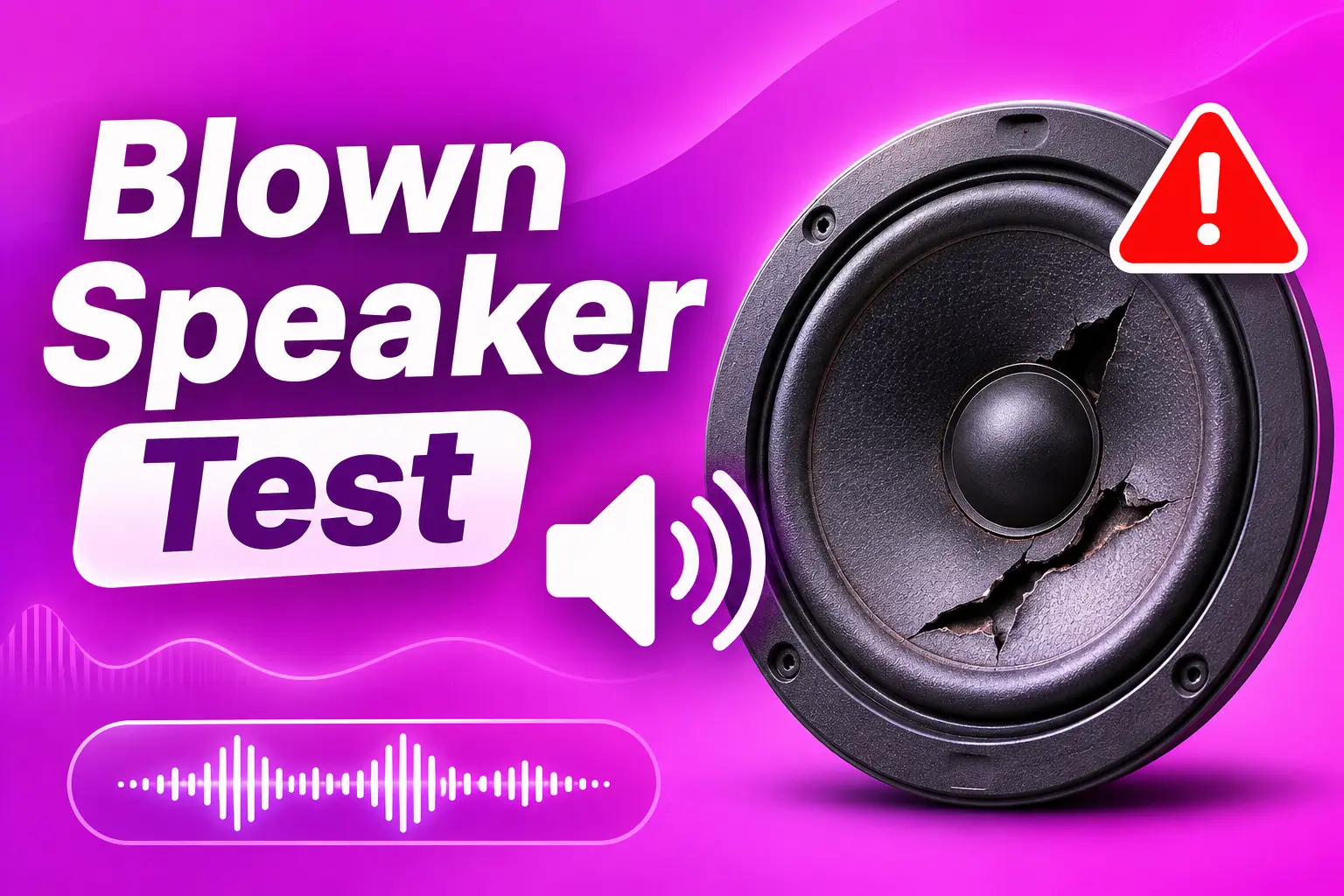
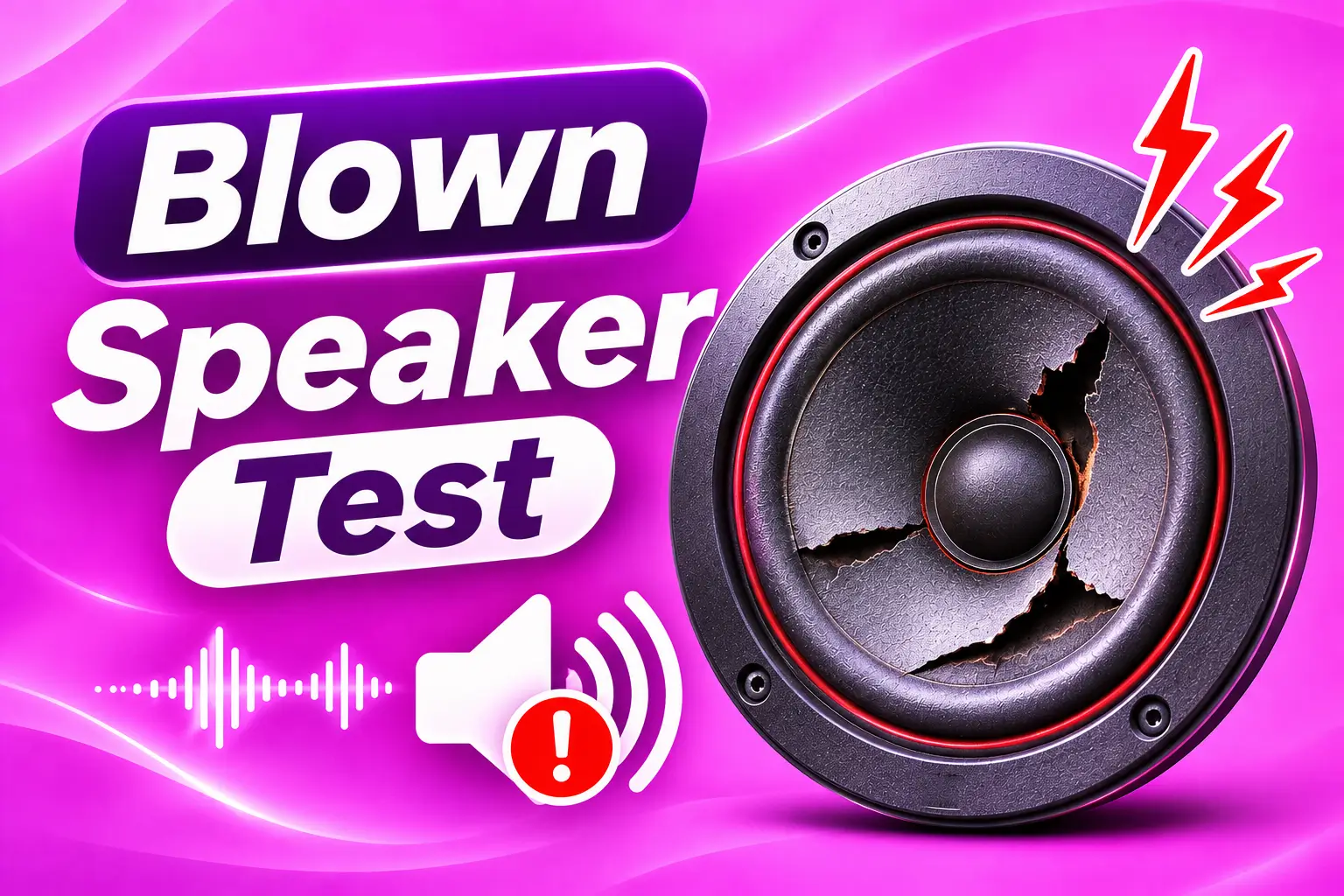
A blown speaker is one whose internal parts have been damaged. Inside every speaker is a cone (diaphragm), a voice coil, and a magnet. When the voice coil burns out or the cone tears or detaches, the speaker can no longer reproduce sound correctly.
Common causes include:
- Playing audio at maximum volume for long periods
- Distorted or heavily clipped audio, especially bass-heavy tracks
- Water, moisture, or liquid damage
- Dust and debris clogging the speaker grille
- Drops, impact, or physical pressure on the speaker
- Age and normal wear
Test My Speaker Now
Is your speaker making crackling, buzzing, or distorted sounds? Use our free Blown Speaker Test to check your speaker’s sound quality online.
Signs Your Speaker Is Blown
Listen for these symptoms while the test runs:
Crackling or popping even at low volume
Distortion or fuzzy sound, especially on bass and loud tones
Rattling or buzzing on certain frequencies
Very low or muffled volume compared to before
No sound from one speaker (left or right)
Scratchy or “paper-like” noise during playback
Sound that cuts in and out
What Your Test Results Mean
Clean, clear sound on all tones
Your speaker is working normally. If you still have issues, check app settings or the audio source.
Crackling or distortion on every tone
The speaker is likely blown or damaged. Distortion across all frequencies points to a damaged cone or voice coil.
Distortion only on bass or loud tones
The speaker may be partially damaged or overdriven. Lower the volume and check again.
Muffled or very quiet sound
Dust, dirt, or moisture may be blocking the speaker grille. Cleaning can fix this without replacement.
No sound at all
Check volume, mute, and audio output settings first. If those are fine, the speaker or its connection may have failed.
Sound only from one side
One speaker channel may be blown, or the balance setting may be off.
How to Fix a Blown or Faulty Speaker
Rule out the simple causes before paying for repairs.
- Restart your device.Software glitches can mimic speaker damage.
- Check volume and balance.Make sure left and right balance is centered and the output is set to the built-in speaker.
- Disconnect Bluetooth.Your device may be sending audio to a paired device.
- Clean the speaker grille.Use a soft, dry brush. Never push sharp objects into the grille.
- Remove moisture.If the device got wet, let it dry fully. A speaker cleaner sound can help push out water and dust.
- Update your software.Audio bugs are sometimes fixed in updates.
- Reset sound settings.Turn off equalizer and sound enhancement effects.
- Visit a repair shop.If the test still shows crackling or no sound, the speaker likely needs replacing.
How to Avoid Blowing Your Speaker
- Avoid playing music at 100% volume for long periods
- Don’t use extreme bass boost or equalizer settings
- Keep your device away from water, dust, and moisture
- Use a case with proper speaker cutouts
- Clean the speaker grille regularly
- Stop playback when you hear distortion
Why Use Our Blown Speaker Test?
- 100% free with no limits
- Works in your browser on phone, tablet, laptop, and desktop
- No download or installation
- Fast results in under a minute
- Works on all brands, including iPhone, Samsung, Pixel, OnePlus, Xiaomi, and laptops
- Safe tones designed to test without harming your speaker
Frequently Asked Questions
How do I know if my speaker is blown?
Play test tones and listen. Crackling, distortion, rattling, very low volume, or no sound on the built-in speaker all suggest damage.
Can a blown speaker be fixed?
Usually it must be replaced. Voice coil and cone damage cannot be repaired at home. If the problem is dust or water, cleaning may restore the sound.
Can this test damage my speaker?
No. Start at medium volume and increase gradually. Stop the test if you hear harsh distortion.
Why does my speaker crackle at high volume?
Overdriving a speaker makes the cone move beyond its limit, which causes distortion. Constant crackling at low volume is a stronger sign of damage.
Can water make a speaker sound blown?
Yes. Water in the speaker grille muffles sound and causes crackling. It often clears once the speaker dries or is cleaned.
Is the problem the speaker or the software?
Test with headphones and in different apps. If the sound is clean everywhere except the built-in speaker, the hardware is at fault.
Does this work on laptops and tablets?
Yes. It works on any device with a modern browser.
How often should I test my speaker?
Test whenever you notice a change in sound quality, after water exposure, or after a drop.