
Speaker Cleaner
Choose Dust Removal or Water Eject, set volume high, hold the speaker facing the floor, then start. After the cycle, use a speaker test to check if sound is clearer.
Max volume. Speaker facing down. Keep away from ears.
Vibration not supported here. Sound only.
After Cleaning, Test That Your Speaker Is Working Correctly
How to Clean a Speaker
Three easy steps. This speaker cleaner takes about one minute. No rice, no pins, and no cotton swabs pushed into the holes.
1. Point the speaker down
Turn off Bluetooth so the speaker cleaner uses the built-in speaker, not earbuds. Set media volume high. Hold the grille facing the floor so dust and water can fall out.
2. Play sound and vibration
Tap Start. Water eject uses a low 165-230 Hz sweep so droplets can leave. Dust mode uses a higher pulse plus vibration to loosen pocket lint in the mesh.
3. Test the speaker, then repeat once
Play a song or use our speaker test. If sound is still muffled, run one more 60-second cycle. Visible lint? Use a dry soft brush after the sound cycle. Never use a pin.
After you clean, check sound with a phone speaker test, iPhone speaker test, or the speaker test.
FREE ONLINE SPEAKER CLEANER
Speaker Cleaner to Fix a Muffled Speaker
Need a speaker cleaner? This free speaker cleaner online uses sound and vibration to shake dust out of the grille and help eject water. No app. No download. No account.
Use it as a phone speaker cleaner, water eject speaker cleaner, or dust speaker cleaner on iPhone, Android, tablets, and laptops. Turn Bluetooth off, point the speaker down, set volume high, then start below.
Speaker cleaner online | Phone speaker cleaner | Water eject | Dust removal | No app
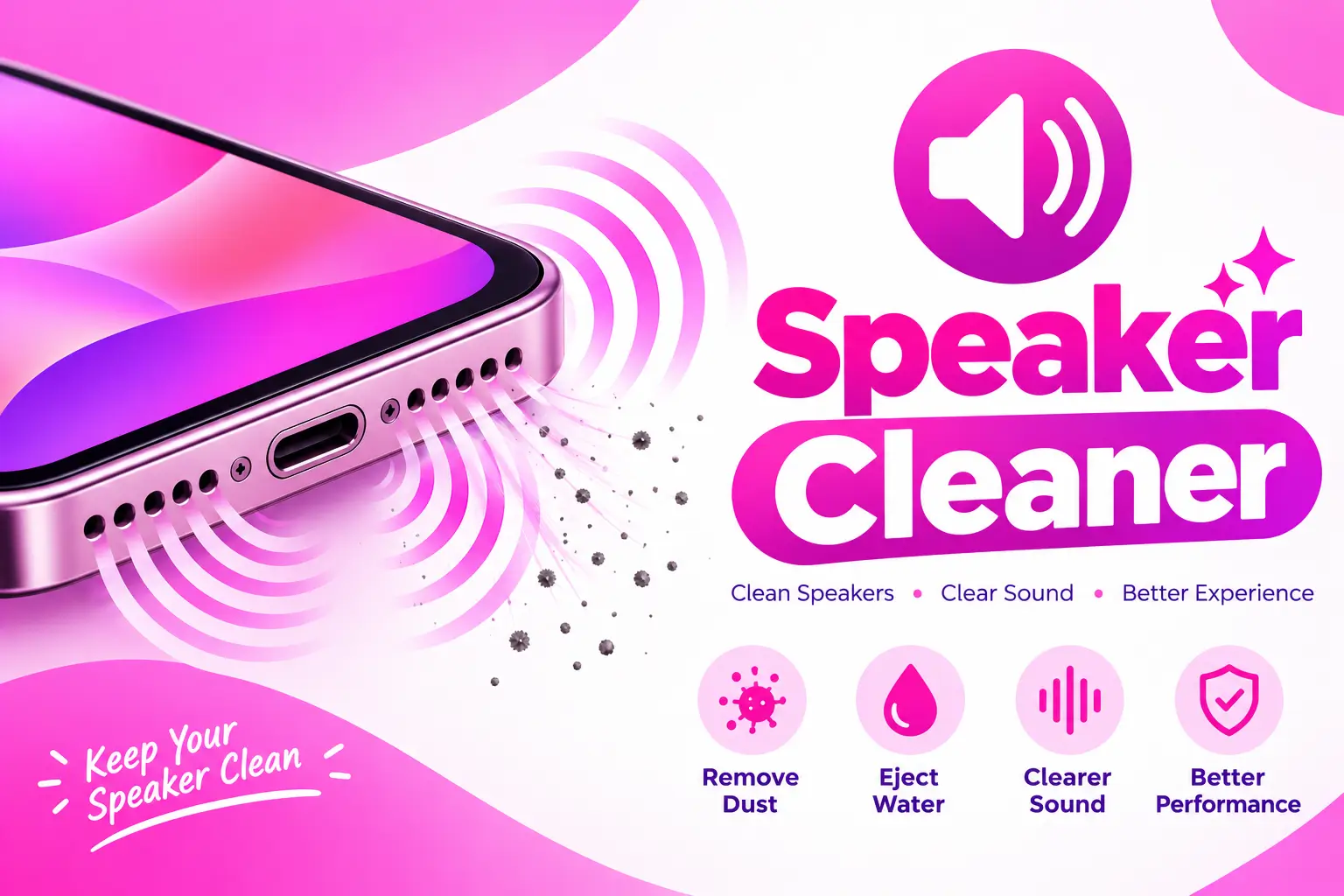
Related Speaker Cleaner
Clean with the speaker cleaner on this page. Then test sound on these pages.
Android Speaker Cleaner
Android Speaker Cleaner is a free online tool that uses sound and vibration to push water and dust out of your Android phone's speaker. Just open the page, press play, and bring back clear, loud sound in seconds, with no app to install.
Phone speaker Cleaner
Phone Speaker Cleaner is a free online tool that uses sound and vibration to remove water and dust from your phone's speaker. Just open the page, press play, and get clear, loud sound back in seconds, with no app to install.
iPhone speaker Cleaner
iPhone Speaker Cleaner is a free online tool that uses sound and vibration to clear water and dust from your iPhone's speaker. Just open the page, press play, and get clear, loud sound back in seconds, with no app or download needed.
Tablet speaker Cleaner
Tablet Speaker Cleaner is a free online tool that uses sound and vibration to remove water and dust from your tablet's speakers. Just open the page, press play, and get clear, loud sound back in seconds, with no app or download needed.
Laptop speaker Cleaner
Laptop Speaker Cleaner is a free online tool that uses sound and vibration to clear dust and water from your laptop's speakers. Just open the page, press play, and get clear, loud sound back in seconds, with no software or download needed.
Headphone Cleaner
Headphone Cleaner is a free online tool that uses sound and vibration to clear dust and water from your headphone speakers. Just open the page, press play, and get clear, rich sound back in seconds, with no app or download needed.
This Speaker Cleaner Is Work For
People search for speaker cleaner, phone speaker cleaner, speaker cleaner online, water eject, and how to clean a speaker. This page does that in one free tool.
Dust and pocket lint
Phones live in pockets and bags. Tiny fibers sit in the speaker mesh and make music sound dull. Dust mode uses higher pulses and vibration so those particles can fall out when the speaker faces down.
Water eject after rain or a splash
Water clings to the mesh and muffles audio. Water eject plays a 165-230 Hz tone so the membrane moves and droplets can leave. Wipe the device dry first. This helps water in the grille. It cannot dry a soaked logic board.
Muffled speakerphone and quiet music
If speakerphone is quiet but the phone still rings, the bottom speaker is often blocked, not broken. A speaker cleaner tries to clear the grille. Then run a speaker test to confirm.
Online speaker cleaner, no app
This speaker cleaner online works in Chrome, Safari, Edge, or Firefox. Nothing to install. The tone is made on your device.
Sound plus vibration
Sound moves the speaker cone. Vibration shakes the body of the phone. Together they clear more compacted lint than a single beep. Keep the cycle to one or two minutes.
Phones, tablets, and laptops
Any device that can play media in a browser can use this speaker cleaner. Turn Bluetooth off first. Then check sound with a speaker test.
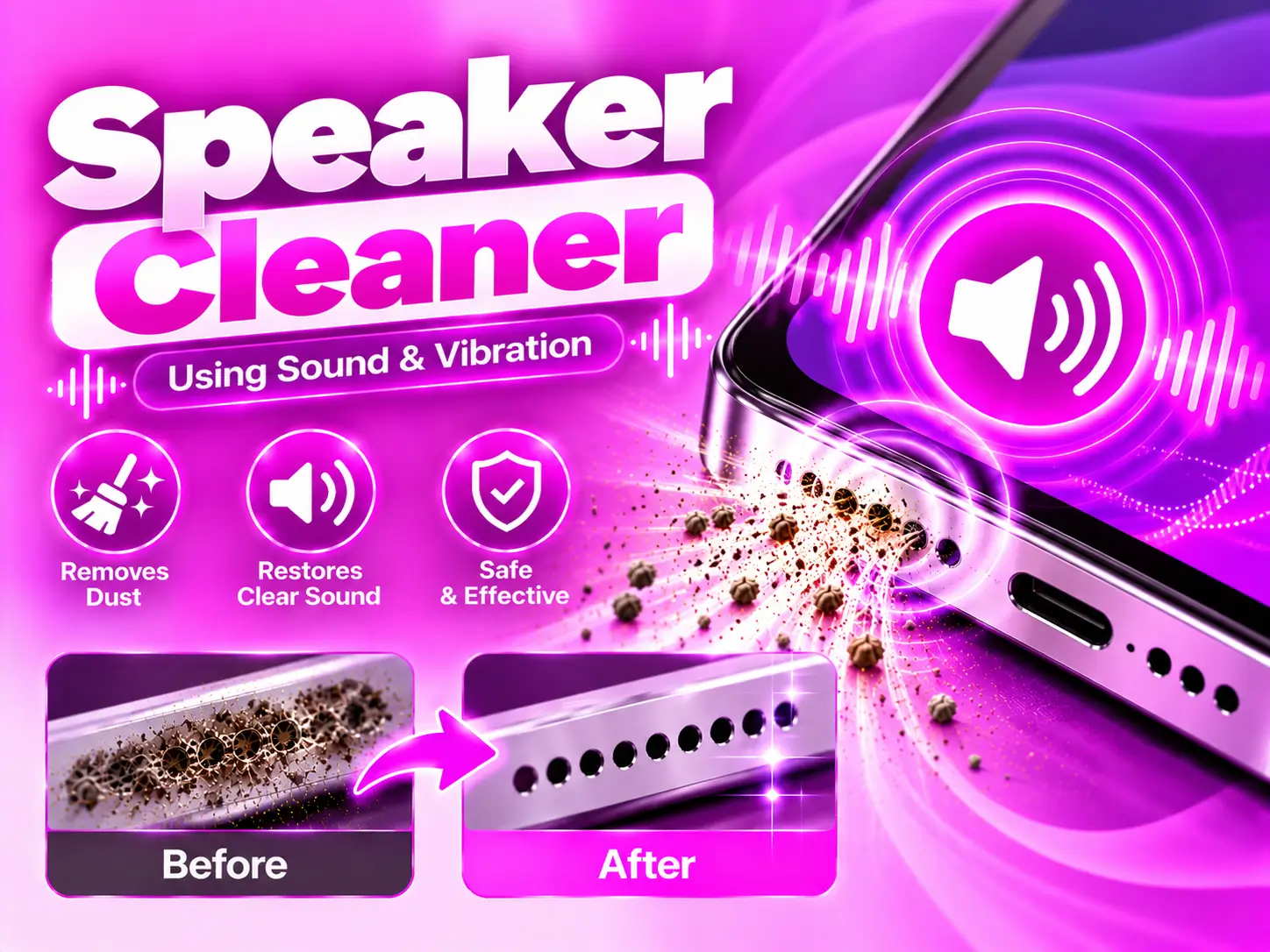
WHY THIS SPEAKER CLEANER
What Is a Speaker Cleaner?
A speaker cleaner is an online tool that plays a special low-frequency tone through your device’s speaker. The tone makes the speaker membrane (diaphragm) vibrate strongly. This vibration pushes trapped water droplets and loose dust particles out of the speaker grille and mesh.It works on phones, tablets, laptops, and earbuds that have a small built-in speaker.
A muffled speaker is usually blocked, not broken. Dust, sweat, and leftover water sit in the grille. This speaker cleaner uses sound frequencies and vibration so the membrane moves. That can loosen lint and help push water out.
- Free speaker cleaner in the browser
- Dust mode and water eject
- No app and no signup
- Honest limits - will not claim to fix a dead speaker
Ready to clean your speaker?
Speaker Dust Cleaning Sound
What Is a Speaker Dust Cleaning Sound?
A speaker dust cleaning sound is a tone made to shake loose dust, lint, and fine dirt from your speaker grille. Pockets, bags, and desks carry tiny particles. Over time, they pack into the small holes of your speaker mesh. This blocks the sound and makes your phone seem quieter.
How It Works
The tone makes the speaker membrane vibrate quickly. These vibrations travel through the grille and loosen the dust stuck in the mesh. The loose dust can then fall out or be wiped away.
Signs Your Speaker Needs Dust Cleaning
- Volume is low even at high settings
- Sound is dull or not clear
- Calls sound faint
- The phone has not been near water
- You can see lint or dirt around the grille
How to Use It
- Wipe the phone with a soft, dry cloth.
- Set the volume to medium or high, but still comfortable.
- Hold the phone with the speaker facing down.
- Play the dust cleaning sound for 30 to 60 seconds.
- Gently brush the grille with a soft, dry brush.
- Play a song or video to check the result. Repeat if needed.
Eject Water From Speaker
Why Water Gets Stuck in a Speaker
Speaker grilles have very small openings. When water gets in from rain, sweat, a splash, or the shower, surface tension keeps the drops inside the opening. The water cannot drain out by itself. This stops the speaker membrane from moving freely and gives a muffled, "underwater" sound.
How Eject Water Sound Works
The water eject sound plays a steady, low-frequency tone. This makes the speaker membrane move back and forth with enough force to push water drops out through the grille. It works best when the speaker faces down, because gravity helps the water leave.
Signs You Need to Eject Water
- Sound is muffled or "underwater"
- Crackling or buzzing after getting wet
- Volume drops after rain, a spill, or swimming
- Calls sound distorted
Step-by-Step: How to Eject Water From Your Speaker
- Switch off the phone or lower the volume. Wipe off any water you can see.
- Remove the phone case so moisture can escape.
- Hold the phone with the speaker facing down.
- Play the water eject sound for 30 to 60 seconds.
- Gently tap the phone on your palm to help the drops fall out.
- Wipe the grille with a dry, soft cloth.
- Let the phone rest in a dry, airy place for 30 minutes.
- Repeat up to 3 times if the sound is still muffled.
Quick Do's and Don'ts
Do
- Face the speaker downward
- Wipe with a dry, soft cloth
- Let the phone air-dry
- Repeat the sound if needed
Don't
- Use a hair dryer on high heat
- Put the phone in rice
- Poke the grille with a pin or needle
- Charge the phone while it is wet
When to Seek Repair
If the sound is still muffled after a full day of drying and a few tries, or if the phone was in salt water or underwater for a long time, visit a repair technician. A sound cleaner removes water from the speaker grille, but it cannot fix damage inside the phone.
WHY THIS SPEAKER CLEANER
Why Use Our Speaker Cleaner?
A muffled or quiet speaker makes calls, music, and videos frustrating. Most people don’t know the cause is often a small amount of water or dust. Our Speaker Cleaner Sound Online solves this directly in your browser, with no app, no sign-up, and no cost.
What makes it a practical choice:
- Works instantly: Open the page, press play, and start cleaning in seconds.
- No download needed: Nothing to install, so there is no storage use and no risk from unknown apps.
- Works on every device: Phones, tablets, laptops, and earbuds with a built-in speaker, on any modern browser.
- Two cleaning modes in one place: A water eject sound and a dust cleaning sound, so you can match the fix to the problem.
- 100% free: No hidden charges, no premium tier, no limits on how often you use it.
- Safe, controlled sound: The tones stay within a normal speaker range, so you can use them with confidence at a comfortable volume.
- Simple guidance: Clear steps tell you what to do before, during, and after cleaning.

WHY THIS SPEAKER CLEANER
Benefits of Using a Speaker Cleaner
Regular speaker cleaning does more than fix a sudden problem. It protects your sound quality over time.
- Restores clear sound: Removing trapped water and dust brings back the crisp, full audio your speaker had before.
- Brings back volume: A blocked grille makes audio sound weak. Cleaning lets sound pass through freely again.
- Improves call quality: A clean earpiece and speaker mean you hear callers clearly and avoid saying “can you repeat that?”
- Reduces crackling and distortion: Moisture on the speaker membrane often causes buzzing. Removing it helps the sound return to normal.
- Saves money on repairs: Many “broken speaker” problems are only water or dust. A free cleaning attempt can save a repair visit.
- Helps after water exposure: Rain, sweat, spills, or a quick dip can leave water behind the grille. Acting early helps prevent it from settling.
- Extends speaker life: Keeping the grille free from dust and moisture reduces long-term buildup that can wear down speaker parts.
- Quick, no-tools solution: You don’t need pins, air cans, or special equipment, which also means you avoid the damage those can cause.
Speaker Cleaner FAQ
Open this speaker cleaner, turn off Bluetooth, set volume high, and hold the speaker toward the floor. Choose Dust Removal or Water Eject and tap Start. After the cycle, you can brush the grille with a dry soft brush. Do not use a pin.
The speaker cleaner tries to clear dust and water. The speaker test checks if sound works. If audio is muffled, clean first. Then use the speaker test to hear if it is clearer.
A short cycle in the normal music range (about 165-230 Hz for water eject) is safe for modern speakers. Run one or two minutes, not ten. Do not pour liquid into the grille. Do not use high-pressure air.
Wipe the device dry. Hold the speaker down. Run Water Eject for 60 seconds, then test. Repeat once if needed. This helps water in the grille. It cannot dry the inside of a soaked phone.
Yes. Use it on iPhone and Android. Turn Bluetooth off. After you clean, check with a phone speaker test or iPhone speaker test.
One 60-second cycle, then test a song or our speaker test. Repeat once if it is still muffled. If nothing changes, stop. A dead or rattling speaker needs repair, not more sound.
No. This speaker cleaner online runs in Chrome, Safari, Edge, or Firefox. The speaker test tool on other pages is separate and was not changed.
Yes. Vibration shakes loose dust from the mesh. For stubborn dust, also use a soft dry brush.
Yes. It works in any modern browser on any device with a speaker.
No, if you use a normal volume and don’t play it nonstop. Stop if you hear distortion getting worse.
Water may still be inside, or the grille may have packed dust. Let the phone dry for an hour, brush the grille, and run the tool again.