
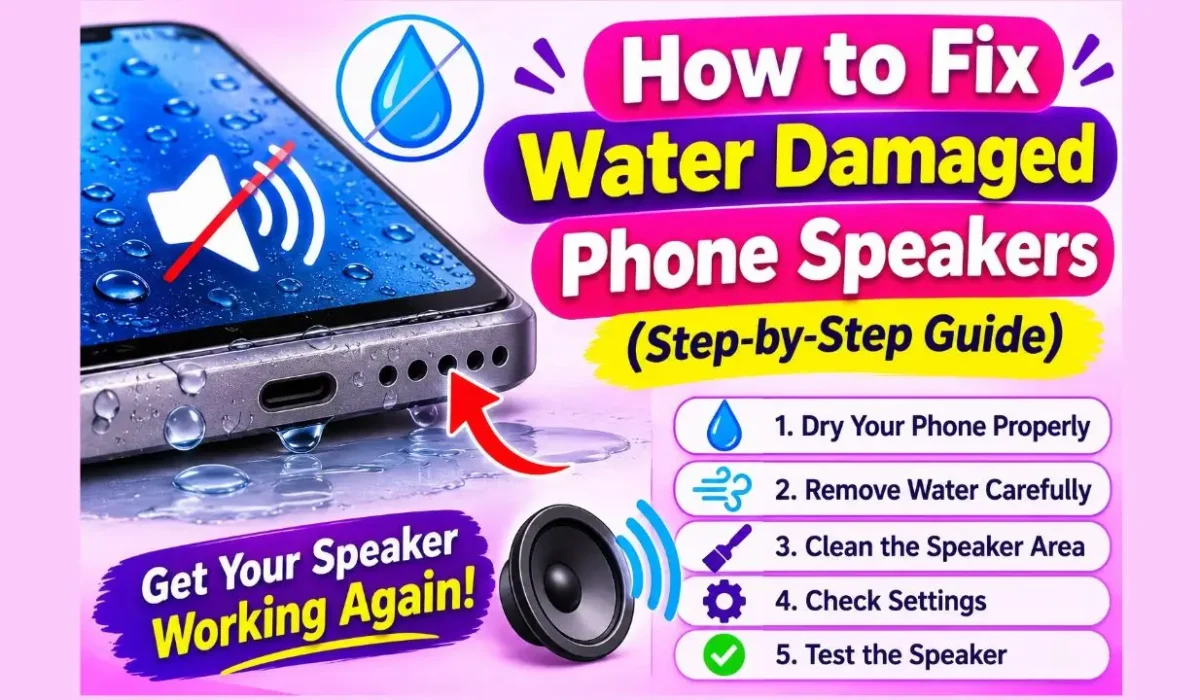
How to Fix Water Damaged Phone Speakers (Step-by-Step Guide)
To fix a water damaged phone speaker, power off the phone, wipe off the water, let it dry in open air, then use a speaker cleaner sound to push out the water trapped in the grille. Do not charge the phone until it is fully dry. If the sound is still muffled or crackling after 24 to 48 hours, run a speaker test and visit a repair shop.
This guide explains what to do right after water exposure, how to remove water from the speaker safely, how to check whether the speaker recovered, and which mistakes make water damage worse.
What Does a Water Damaged Phone Speaker Sound Like?
A water damaged speaker usually sounds muffled, quiet, crackly, or completely silent. Water trapped in the grille stops the speaker cone from moving freely, so the sound becomes weak or distorted.
Common signs include:
- Muffled or “underwater” sound
- Very low volume even at maximum
- Crackling, buzzing, or static
- No sound from the loudspeaker or earpiece
- Sound that comes and goes
- Water droplets or fog visible near the grille
- Distorted voices during calls
- Charging port or speaker showing a moisture warning
Many of these problems are temporary. If you act quickly and correctly, the speaker often recovers without repair.
Step 1: Power Off the Phone Immediately
Turn off the phone as soon as it gets wet to prevent short circuits and permanent damage. Water and electricity together are what cause most lasting harm, not the water alone.
- Press and hold the power button and choose Power off.
- Do not press buttons repeatedly to “test” if it works.
- If the phone has a removable case, take it off.
- Remove the SIM tray and any memory card if your phone allows it.
Step 2: Do Not Charge the Phone
Never plug in a charger while the phone has water inside it. Charging a wet phone can burn the charging port, damage the battery circuit, and ruin the speaker.
- Unplug any cable that is connected.
- Do not connect headphones or adapters.
- Wait until the phone is completely dry before charging.
- If you see a “moisture detected” alert, follow it and wait.
Step 3: Wipe the Outside and Shake Out Loose Water
Dry the outer surface and remove loose water so it does not move deeper into the speaker.
- Wipe the phone with a soft, dry microfiber cloth.
- Hold the phone with the speaker facing down.
- Tap it gently against your palm to let water drip out.
- Dab the grille with a dry cloth or paper towel. Do not press hard.
Avoid shaking the phone hard. Strong shaking can push water further into the body.
Step 4: Let the Phone Dry in Open Air
Place the phone in a dry, airy spot with the speaker facing down for at least a few hours. Natural airflow dries the inside slowly and safely.
- Put the phone on a clean towel in a ventilated room.
- Keep the speaker side tilted downward so water drains out.
- Use a fan on low speed, pointed at the phone from a distance.
- Leave it for 4 to 6 hours at minimum. For heavy exposure, wait 24 to 48 hours.
Avoid direct sunlight. Heat can damage the battery and the speaker membrane.
Step 5: Use Silica Gel Packets (Optional)
Silica gel packets absorb moisture from the air and can help dry the phone, and they work better than rice. You often find them in new shoes, bags, and electronics boxes.
- Place the phone in a sealed container or bag with several silica gel packets.
- Keep the phone with the speaker facing down.
- Leave it for 24 hours.
- Take it out and check for any remaining moisture.
Step 6: Use a Speaker Cleaner Sound to Push Water Out
A speaker cleaner plays a low-frequency sound that makes the speaker vibrate strongly enough to push trapped water and dust out of the grille. It is safe, needs no tools, and works best after you have wiped off the surface water.
- Turn the phone on once it feels dry on the outside.
- Place it speaker-side down on a soft cloth.
- Open the speaker cleaner and play the water eject sound for one to two minutes.
- Wipe away any water that comes out.
- Repeat two or three times, with short breaks in between.
- Listen to normal audio to see if the sound is clearer.
Keep the volume at a moderate level first, then raise it only if needed.
👉 Push water out of your phone speaker with the free Speaker Cleaner tool.
Step 7: Run a Speaker Test to Check Recovery
After drying and cleaning, play a clean test tone to find out whether the speaker has recovered fully. A test tone makes muffling and crackling easy to hear.
- Open an online speaker test in your browser.
- Play the tones at about 50 percent volume.
- Test the left and right channels if your phone has stereo speakers.
- Raise the volume slowly and listen for crackling or weak sound.
- Compare the result with how the speaker sounded before.
If the sound is clean, your speaker has recovered. If it is still muffled or crackly, repeat the speaker cleaner and give the phone more drying time.
👉 Check if your speaker recovered with the free Speaker Test tool.
Step 8: Clean the Grille Gently
Once the phone is dry, brush away dust and residue that stayed behind after the water dried. Water often leaves dirt in the grille, which keeps the sound muffled.
- Power off the phone.
- Brush the grille gently with a soft, dry brush or clean toothbrush.
- Hold the phone with the speaker facing down and tap lightly.
- Wipe the surface with a dry microfiber cloth.
- Turn the phone on and test again.
Never use pins, needles, or toothpicks. They can tear the speaker mesh.
Step 9: Check the Earpiece and Charging Port
Water often enters the earpiece and charging port together with the loudspeaker, so check all of them.
- Make a call and listen for a clear voice through the earpiece.
- Look inside the charging port with a flashlight for water or corrosion.
- Wait until the port is fully dry before plugging in any cable.
- Test wired headphones and Bluetooth audio separately.
Step 10: Restart and Update the Phone
A restart and a software update can clear audio glitches that appeared during water exposure.
- Restart the phone fully.
- Check for a software update and install it.
- Test the sound again.
- Make sure Silent mode and Do Not Disturb are off.
When to Visit a Repair Shop
If the speaker is still muffled, crackling, or silent after 48 hours of drying and several cleaner sessions, take the phone to a repair shop. Water can leave minerals or corrosion behind that damage the speaker or its connector.
Visit a technician quickly if:
- The phone was dropped in salt water, soapy water, or juice
- The phone does not turn on after drying
- You see rust, green residue, or corrosion
- The battery heats up or swells
- The screen shows lines or spots
- Sound is still silent after all steps
Salt water and sugary liquids are especially harmful. Tell the technician exactly what liquid touched the phone.
What Not to Do with a Water Damaged Phone
- Don’t charge the phone while it is wet.
- Don’t use a hairdryer on high heat. It can melt internal parts and push water deeper.
- Don’t put the phone in uncooked rice. It does not draw out moisture well and can leave dust inside.
- Don’t use compressed air near the speaker. It can force water further in.
- Don’t push pins, needles, or cotton swabs into the grille.
- Don’t blow into the speaker with your mouth.
- Don’t put the phone in an oven, microwave, or freezer.
- Don’t keep pressing buttons to check if it works.
Do Water Resistant Phones Still Get Speaker Damage?
Yes. Water resistant phones can still have speaker problems because the rating covers limited depth and time, and seals weaken with age. A phone with an IP rating handles splashes and short dips, but it is not fully waterproof. Seals can wear down after drops, heat, and years of use.
Water from a pool, sea, shower, or soapy water can also cause more problems than clean water. Rinse the phone gently with fresh water if salt water touched it, then dry it properly.
How to Tell Which Problem You Have
Match your symptoms to the likely cause to decide your next step.
- Muffled sound right after getting wet: water in the grille, use the speaker cleaner
- Crackling after drying: leftover moisture, wait longer and repeat cleaning
- No sound at all: heavy water exposure or damaged speaker, test and consider repair
- Sound only in earpiece or only in loudspeaker: one speaker affected, clean that grille
- Muffled after the phone is dry: dust or residue in the grille, brush gently
- Crackling plus screen or battery issues: internal water damage, visit a technician
Frequently Asked Questions
Can a water damaged phone speaker be fixed?
Yes, in many cases. If the water has not caused corrosion, drying the phone and using a speaker cleaner sound often brings the speaker back to normal.
How long does it take for a phone speaker to recover after water exposure?
Light exposure can recover in a few hours. Heavier exposure needs 24 to 48 hours of drying and repeated cleaning.
Does the speaker cleaner sound really remove water?
It uses low-frequency vibration to push water droplets and dust out of the speaker grille. It works best for small amounts of water trapped in the speaker.
Is rice good for drying a wet phone?
No. Rice is not reliable and can leave dust inside. Open air drying or silica gel packets are better.
Why is my phone speaker muffled after getting wet?
Water trapped in the grille stops the speaker cone from moving freely. Drying the phone and pushing the water out usually fixes this.
Can I charge my phone after it gets wet?
Only after it is fully dry, and the charging port has no water inside. Charging early can cause permanent damage.
How do I know if my speaker is permanently damaged?
If the speaker test is still silent, crackly, or very weak after drying and cleaning for 48 hours, the speaker is likely damaged and needs repair.
Conclusion
A water damaged phone speaker can often be fixed at home if you act quickly. Power off the phone, never charge it while wet, dry it in open air, push out the trapped water with a speaker cleaner sound, and check the result with a speaker test. If the sound is still bad after two days, visit a repair shop before corrosion spreads.
Start with the two quickest checks: